Install and activate protection
Check system compatibility, the correct installer, and an existing license before changing software.
Security software installation, activation, updates, alerts, and practical troubleshooting.
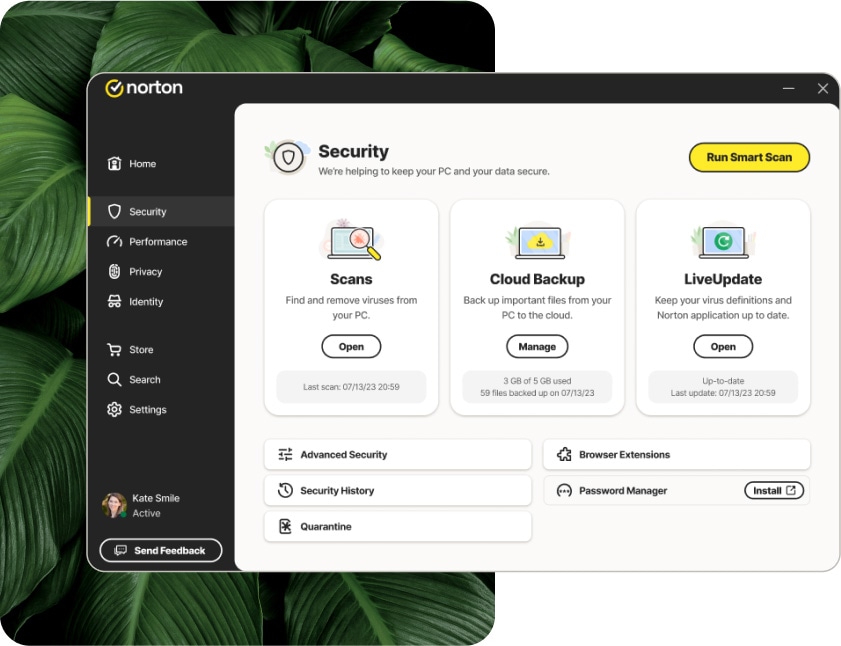
Check system compatibility, the correct installer, and an existing license before changing software.
Investigate update failures, scan errors, and settings that prevent protection from running.
Describe the alert and where it appears. A browser pop-up claiming infection is not the same as a verified antivirus detection.
Describe the issue in your own words, including when it began and anything you have already tried. An exact error message is more useful than a general description such as “it is broken.”
We can discuss whether the task fits remote assistance and what the proposed service includes. A diagnosis, replacement part, license, or finished project cannot be assumed before the scope is confirmed.

Security messages can describe an expired subscription, an update failure, a blocked file, or a misleading browser warning. Record the exact wording and where you see it. These are different problems and do not all mean the computer is infected.
Do not call phone numbers shown in an unexpected infection pop-up.
Use the software maker’s account portal to confirm subscriptions.
Keep security protections enabled while seeking help.
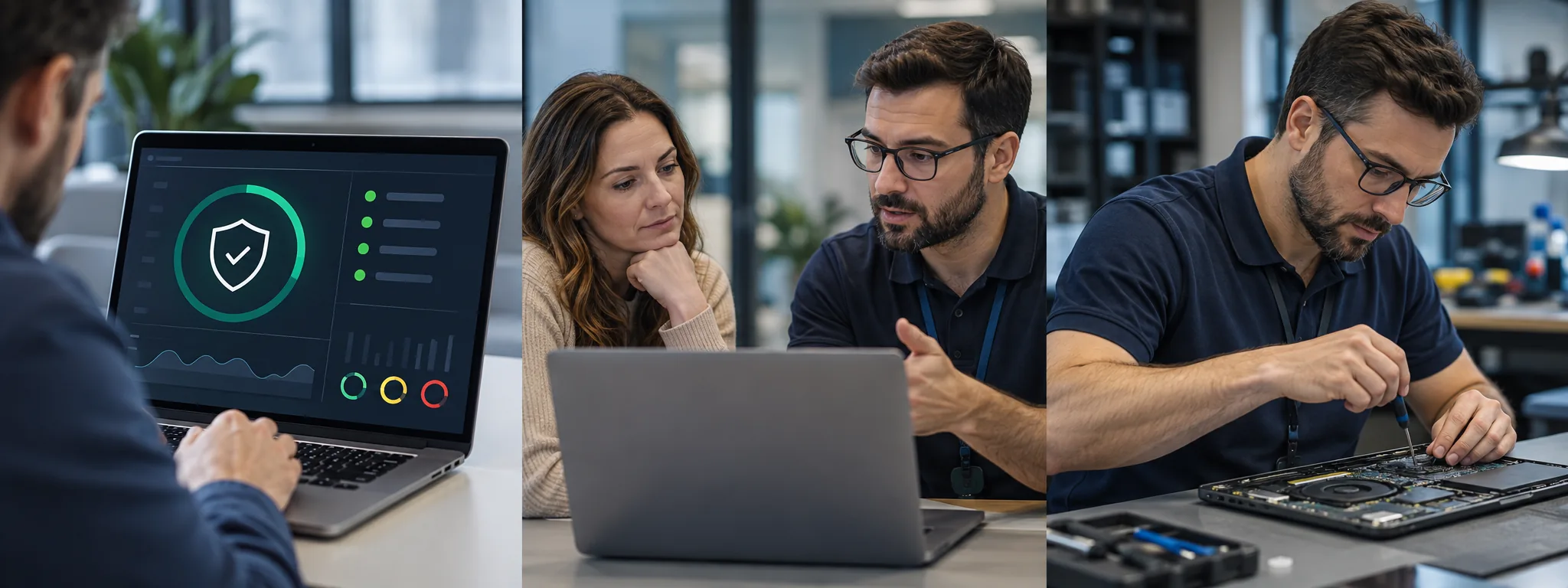
Many software, setup, and configuration tasks can be discussed remotely. Hardware repairs and some physical connection issues require in-person attention. We confirm suitability before agreeing to work.
The price depends on the issue, time, and agreed deliverables. Review the pricing page and request a written scope and quote before authorizing work.
Do not send passwords, verification codes, or private payment information in an initial message. Begin with the device model and a description of the issue.
Describe the problem or project. We will discuss the scope and price before any work is agreed.