Installation and activation
Check compatibility, an existing license, and the software maker’s installer before making changes.
Help with AVG security software installation, activation, updates, scan errors, and alerts.
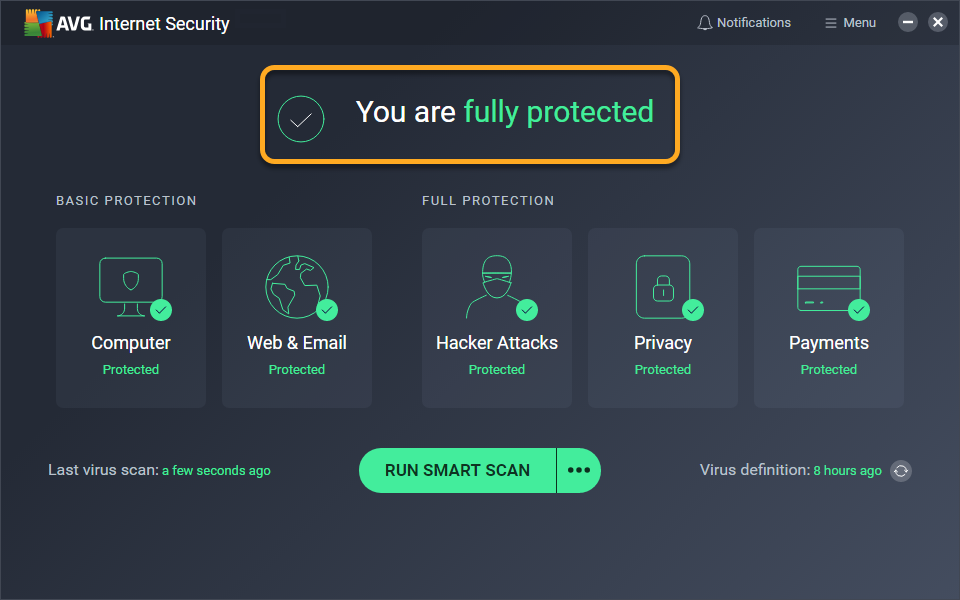
Check compatibility, an existing license, and the software maker’s installer before making changes.
Record when protection last updated, what the scan reports, and the exact error. Avoid disabling protection as a general troubleshooting step.
Identify the AVG product and whether an alert appears inside the installed application or in a web browser.
Identify the AVG product and whether an alert appears inside the installed application or in a web browser.
USA Geeks can discuss a paid troubleshooting service for software and configuration issues. Manufacturer warranties, product replacement, account ownership, subscription billing, and official downloads should be handled through the product maker or seller.
Confirm what work is proposed, the price, and whether a remote session is appropriate. Keep your files backed up and remain present during any session you authorize.
Do not send account passwords, one-time codes, or license credentials in an initial email.
Review pricing and scope
An activation error, an expired subscription, and a detection alert require different checks. Record the message inside the installed AVG application and compare it with the status in your official product account. USA Geeks can discuss troubleshooting; the maker or seller controls license and billing decisions.
Record the product edition and version from its settings or information screen.
An unexpected browser warning may be misleading. Compare it with the installed security application’s status.
Identify the AVG product and whether an alert appears inside the installed application or in a web browser.
Use the product maker’s official support website. Choose the exact model or product and operating system; avoid third-party download pages.
Manufacturer warranties, account recovery, licenses, and billing are controlled by the maker or seller. USA Geeks offers independent troubleshooting and does not make those decisions.
Exact AVG product and version, Operating system and exact alert text, What changed and what you have already tried. These details help us discuss the next step and a quote.
Describe the problem or project. We will discuss the scope and price before any work is agreed.