Router setup
Discuss your router model, internet connection, and the devices that need access.
Router setup, connection drops, weak Wi-Fi, and device network troubleshooting.
Discuss your router model, internet connection, and the devices that need access.
Room layout, router placement, interference, and device limitations can affect wireless coverage.
Compare the affected device with another device on the same network before changing router settings.
Describe the issue in your own words, including when it began and anything you have already tried. An exact error message is more useful than a general description such as “it is broken.”
We can discuss whether the task fits remote assistance and what the proposed service includes. A diagnosis, replacement part, license, or finished project cannot be assumed before the scope is confirmed.
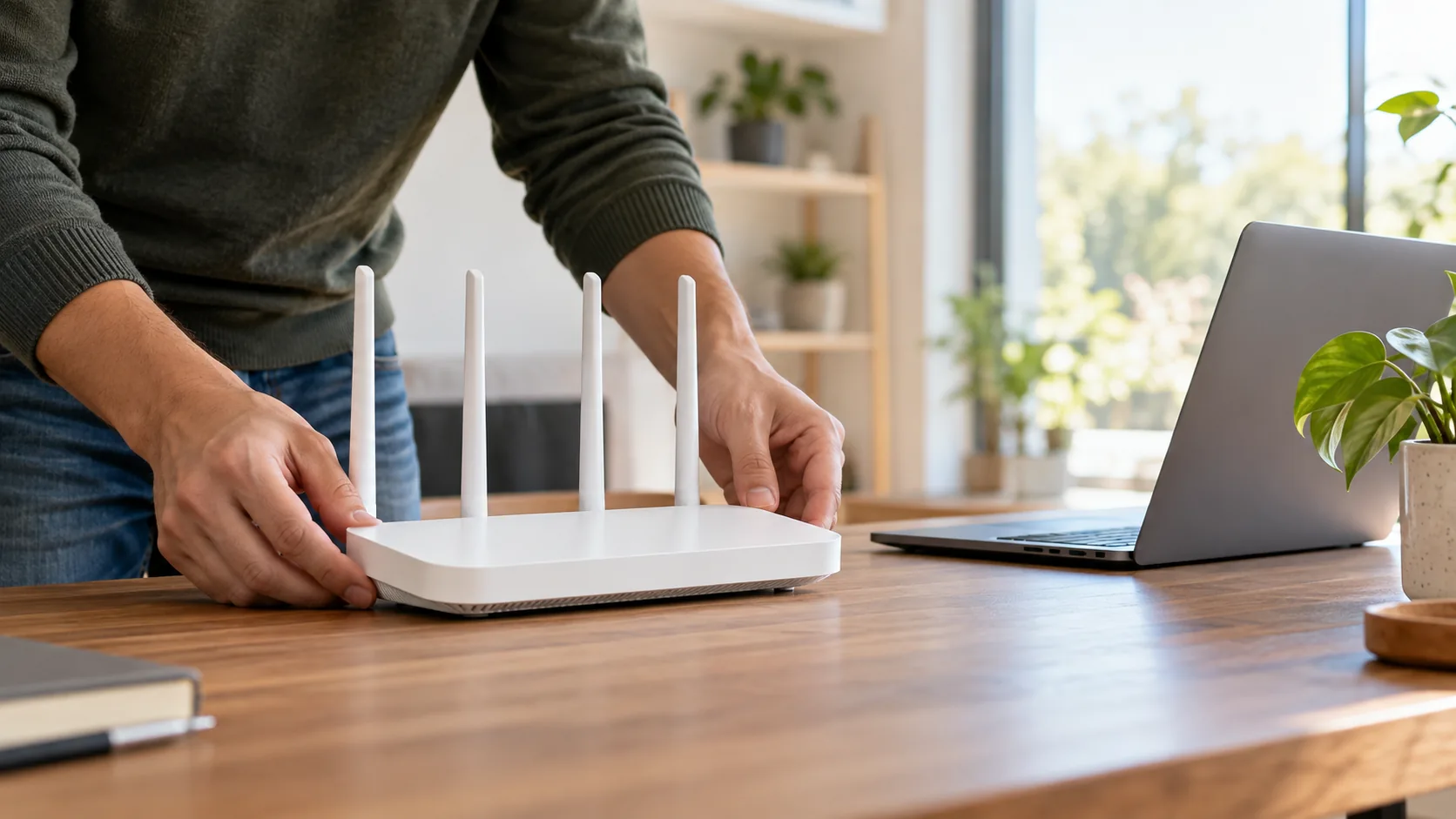
An internet outage and a weak wireless signal can feel similar. Compare devices near the router with devices farther away, and use a wired connection as a comparison when available. The result helps identify whether the problem is coverage, a device, or the connection from your provider.
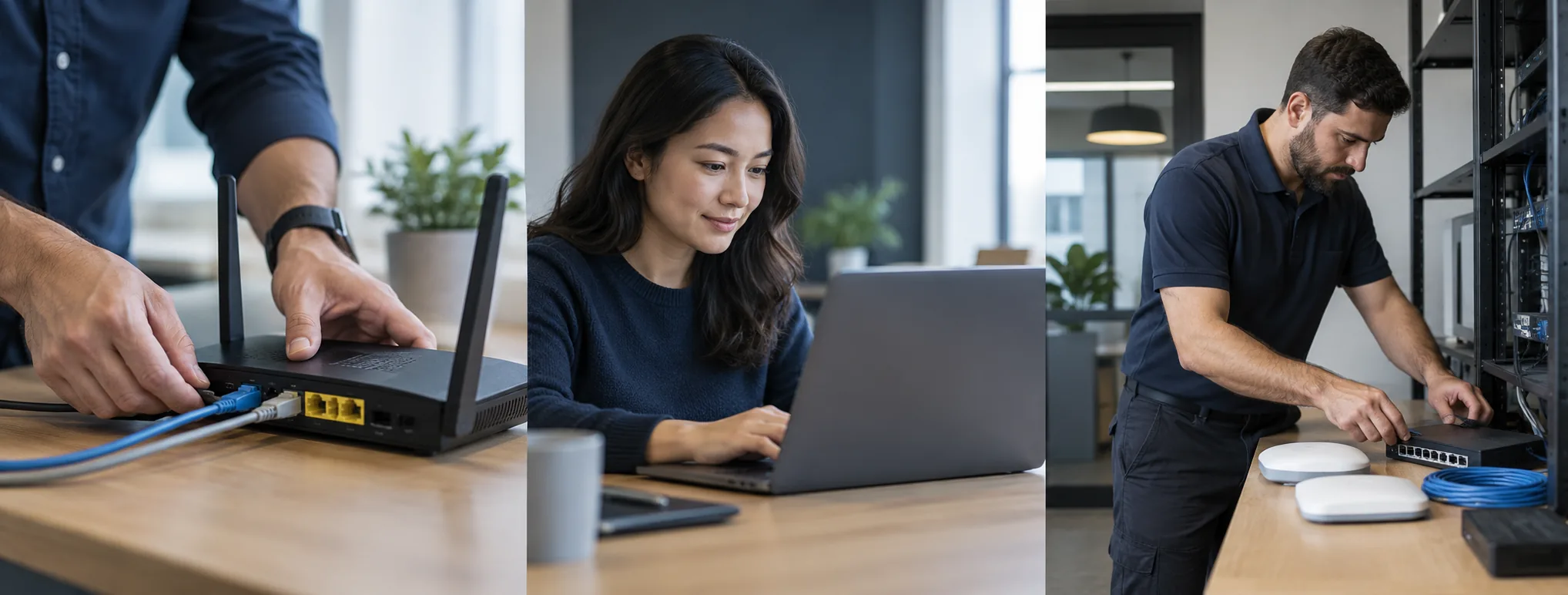
Compare Wi-Fi with a wired connection when available.
Check the internet provider for a reported outage.
Do not share your Wi-Fi password in an initial email.
Many software, setup, and configuration tasks can be discussed remotely. Hardware repairs and some physical connection issues require in-person attention. We confirm suitability before agreeing to work.
The price depends on the issue, time, and agreed deliverables. Review the pricing page and request a written scope and quote before authorizing work.
Do not send passwords, verification codes, or private payment information in an initial message. Begin with the device model and a description of the issue.
Describe the problem or project. We will discuss the scope and price before any work is agreed.