Slow startup
Startup programs, background updates, and storage performance can delay a computer becoming usable.
Investigate slow startup, freezing, low storage, and demanding applications before choosing a fix.
Startup programs, background updates, and storage performance can delay a computer becoming usable.
Check available space and which tasks consume processor or memory resources.
Recurring freezes may be related to software, overheating, storage, or hardware that needs physical inspection.
Describe the issue in your own words, including when it began and anything you have already tried. An exact error message is more useful than a general description such as “it is broken.”
We can discuss whether the task fits remote assistance and what the proposed service includes. A diagnosis, replacement part, license, or finished project cannot be assumed before the scope is confirmed.

A computer that is slow only just after startup may be doing different work from one that slows down during a video call or a large document. Note the task, timing, and whether the computer recovers. Performance work should start with those observations rather than a promise of a guaranteed speed increase.
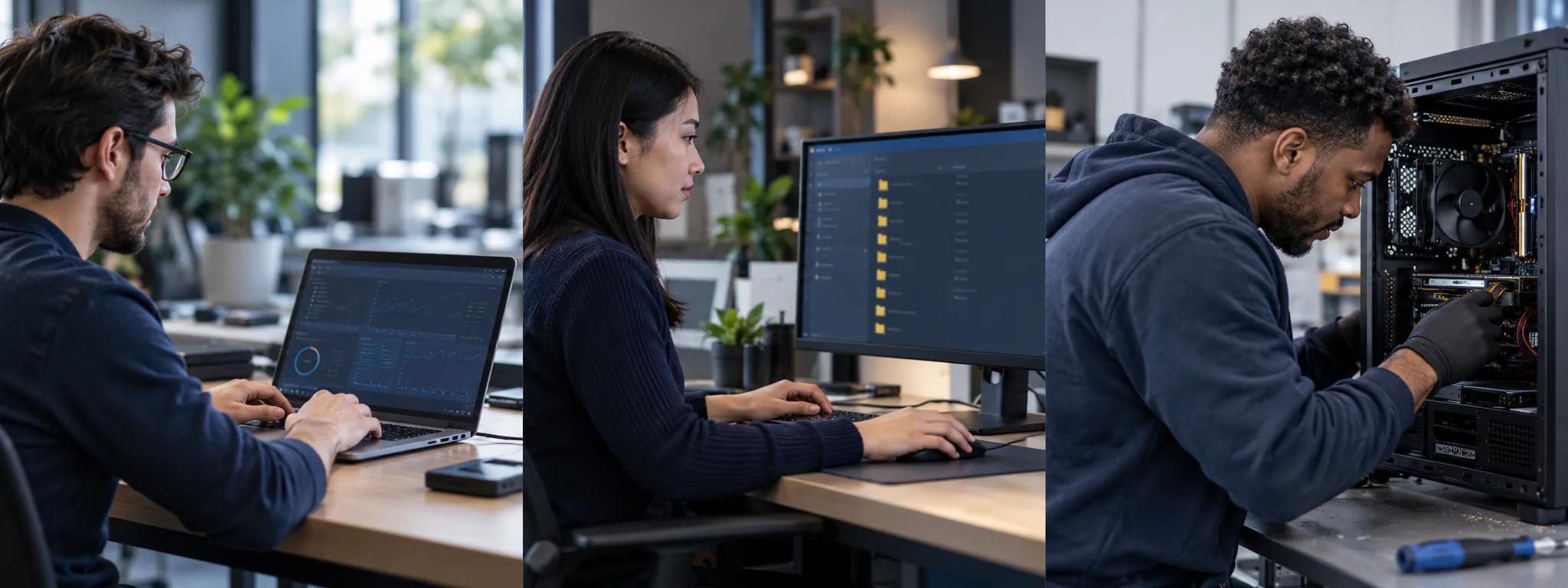
Compare performance after startup with performance later in the day.
Back up important data before cleanup or major changes.
Avoid utilities that promise guaranteed speed improvements.
Many software, setup, and configuration tasks can be discussed remotely. Hardware repairs and some physical connection issues require in-person attention. We confirm suitability before agreeing to work.
The price depends on the issue, time, and agreed deliverables. Review the pricing page and request a written scope and quote before authorizing work.
Do not send passwords, verification codes, or private payment information in an initial message. Begin with the device model and a description of the issue.
Describe the problem or project. We will discuss the scope and price before any work is agreed.